When the world goes dark, information is power.
Outpost keeps Wikipedia, medical guides, repair manuals, street maps and an AI assistant on a computer you already own. When the internet goes out, everyone on your Wi-Fi can still look things up, from any phone or laptop.
Know your way around a terminal? On a Mac or a Linux PC, this one line installs it:
curl -fsSL https://outpost-offline.vercel.app/install.sh | sudo bash- Cost
- FreeNo subscription, no box to buy
- Runs on
- Mac + LinuxA spare computer you own
- Inside
- 90 titlesPlus 312 maps and 6 AI models
- Sign-ups
- NoneNo account, no tracking
What it's for
The things you look up every day, kept where a dead connection can't take them away.
When the internet goes out
Storms, power cuts, a cable dug up down the road. First aid, how to fix the generator, the back road to the next town: still there.
Where there is no signal
Cabins, boats, RVs, farms and job sites far from a tower. Take the library with you and leave the connection behind.
Where internet is slow or costly
Classrooms, clinics and community halls. Download once, and everyone in the room reads at full speed without using any data.
When it's nobody else's business
What you search for and what you ask stays inside your home. Nothing is sent to us or to anyone else.
How it works
From spare computer to home library in an afternoon. Most of that time is the downloads, which run by themselves.
Install it on a spare computer
An old laptop, a Mac mini or a small PC will do. Open the Terminal app, paste one line and press Return. That is the only typing there is: the installer does the rest, and on a Mac it opens the setup page for you.
macOS 13+ or 64-bit Linux // signed release
Choose what to keep
On the setup page, from your phone or laptop, pick what you want: how much of Wikipedia, which medical and repair guides, which maps. A bar shows what fits on your drive.
Three sizes per subject // change any time
Unplug and carry on
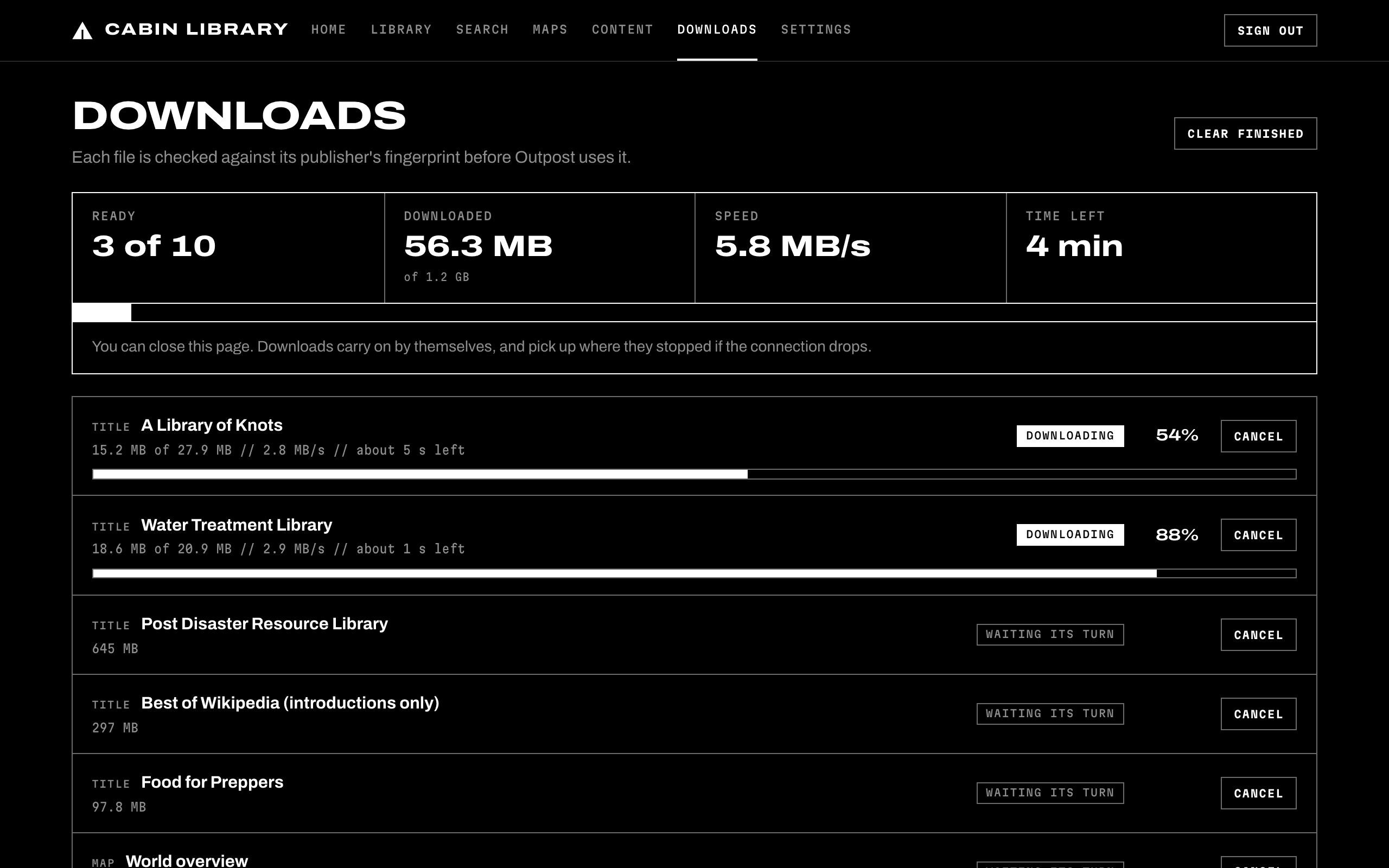
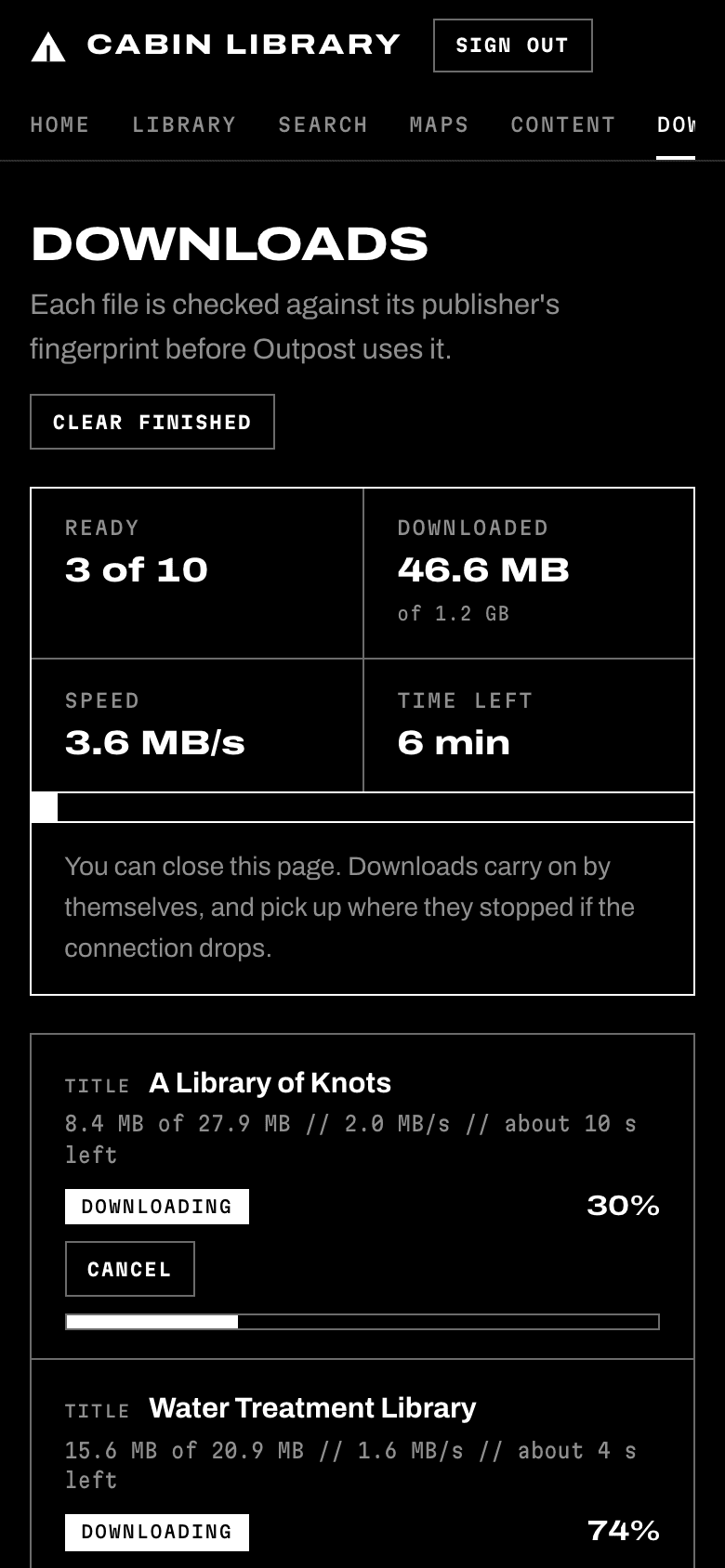
Outpost downloads everything once, shows you each file arriving, and checks every one. After that it needs no internet at all. The library, the maps and the assistant keep answering on your Wi-Fi.
Starts by itself after a power cut
The rest is point and click
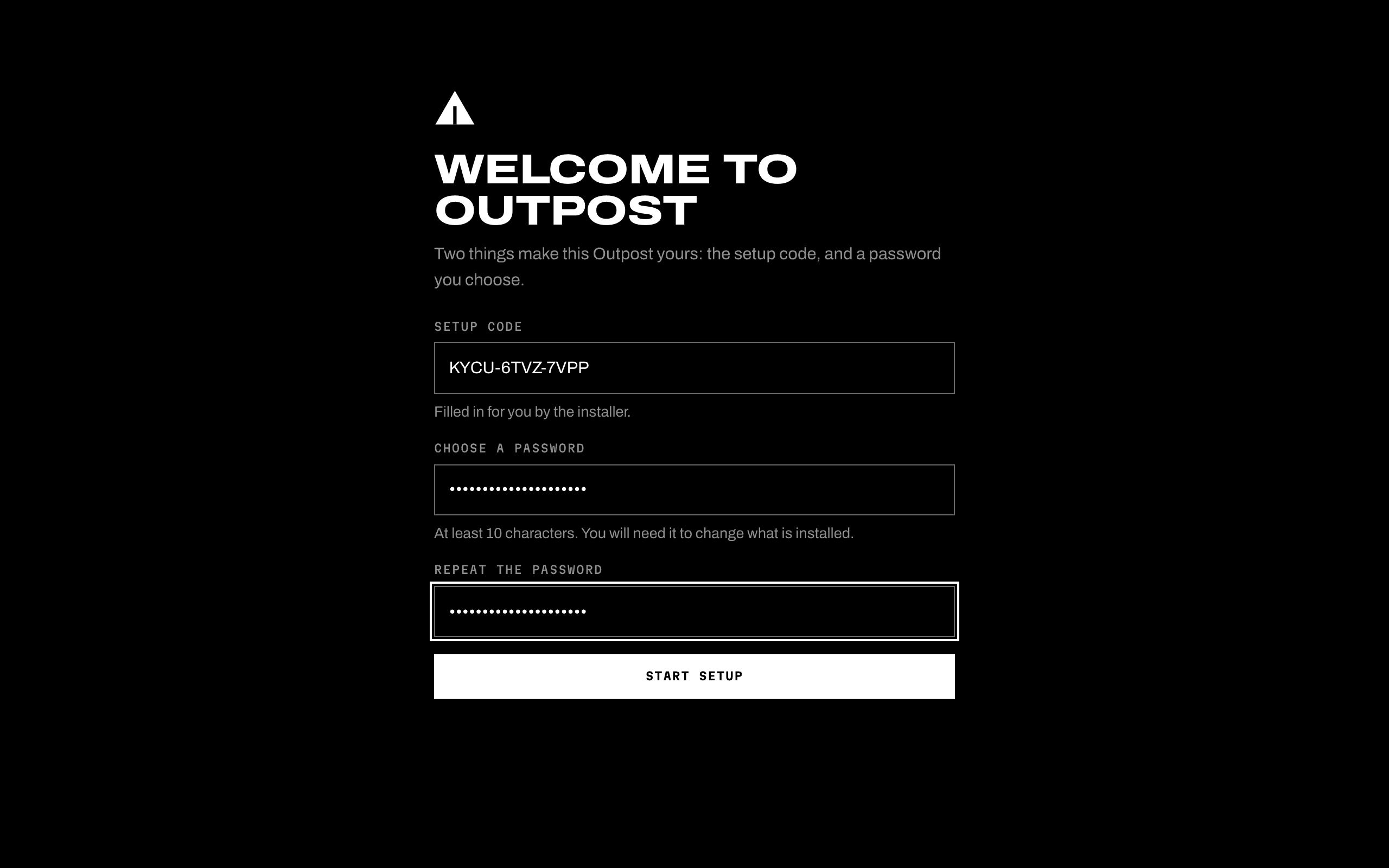
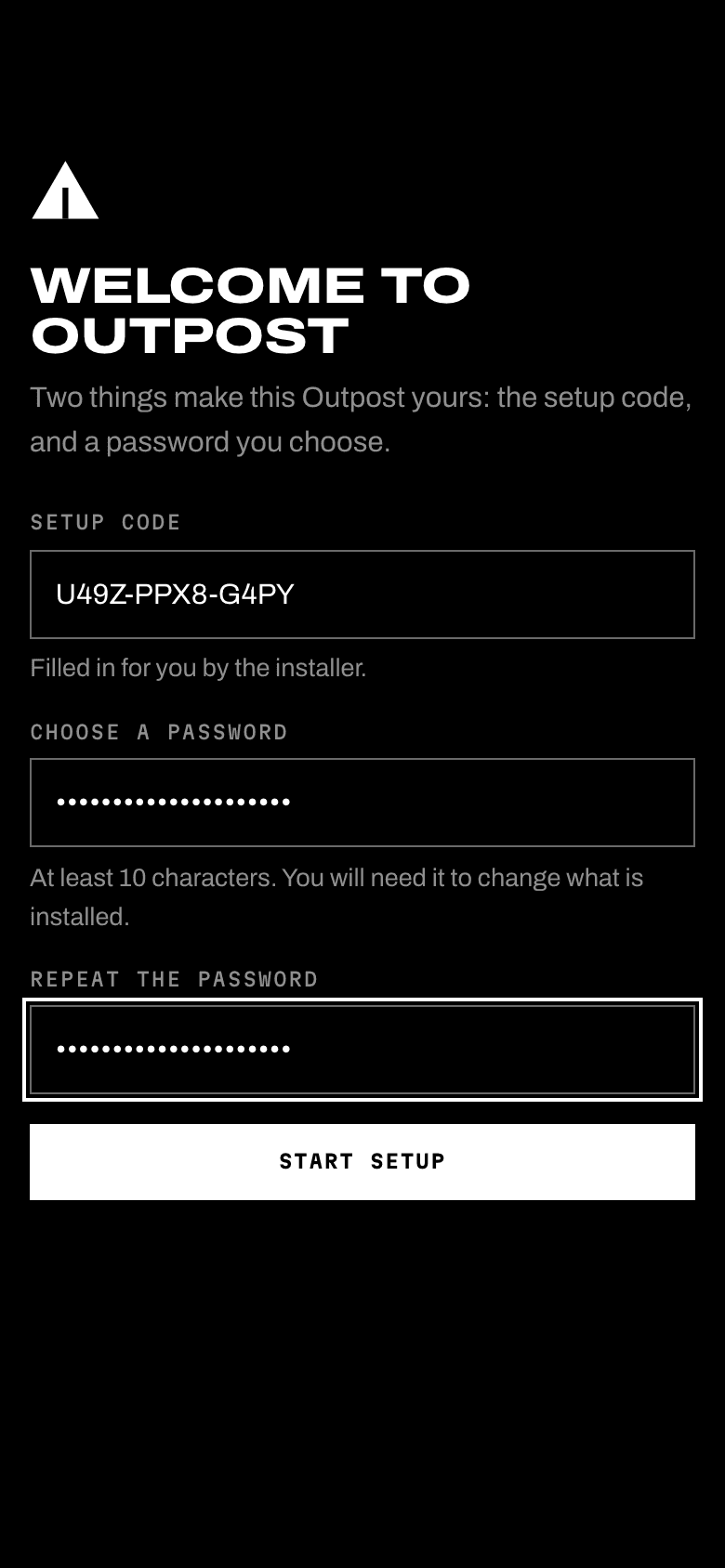
After that one pasted line there is no more Terminal. Setup, and everything after it, happens on ordinary web pages like these, from your phone or your laptop.
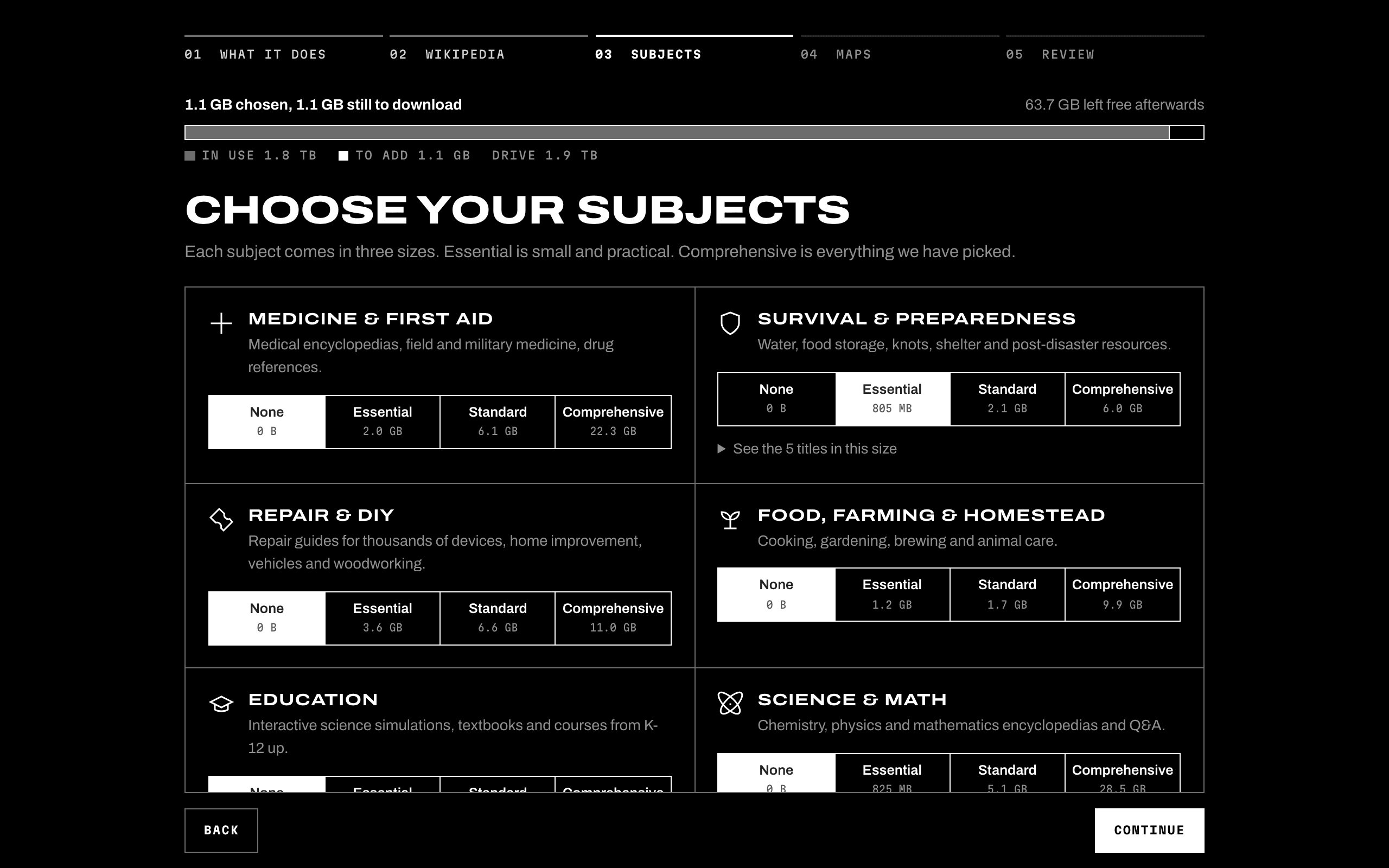
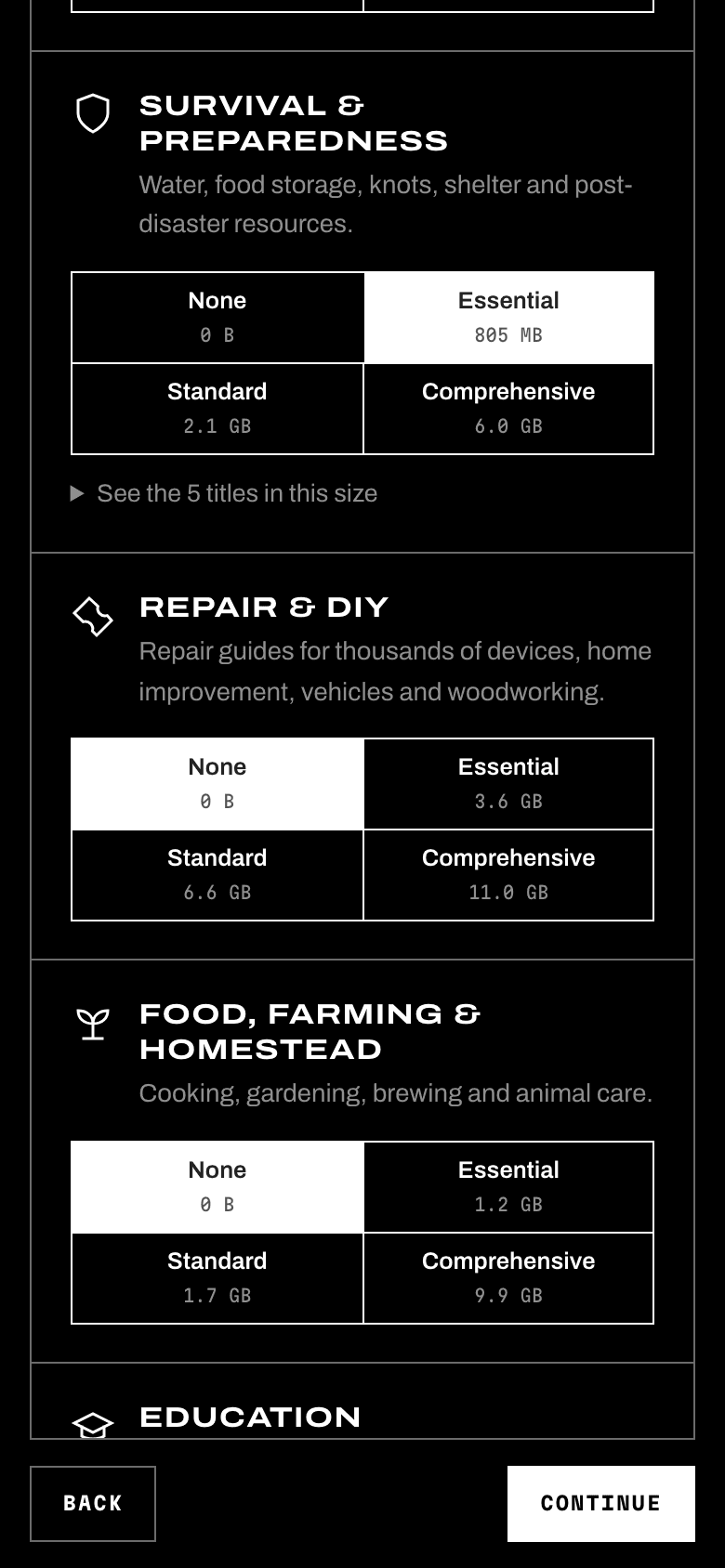
Plan your library
Try it here first. These are the same choices you get during setup, with the real size of today's files: 90 titles, 312 map regions and 6 AI models. You can change your mind later without starting over.
Wikipedia
The encyclopedia, in the depth you have room for.
Medicine & first aid
Medical encyclopedias, field and military medicine, drug references.
Survival & preparedness
Water, food storage, knots, shelter and post-disaster resources.
Repair & DIY
Repair guides for thousands of devices, home improvement, vehicles and woodworking.
Food, farming & homestead
Cooking, gardening, brewing and animal care.
Education
Interactive science simulations, textbooks and courses from K-12 up.
Science & math
Chemistry, physics and mathematics encyclopedias and Q&A.
Computing
Linux, programming and hardware help.
Dictionaries & travel
Dictionaries, quotations and travel guides.
Classic books
Project Gutenberg's public-domain books, by subject or all of them.
Map regions
312 countries, states and provinces at street level.
AI models
Optional. Each runs on your own computer; bigger ones need more memory.
What you get
One computer in your home does the work. Every phone, tablet and laptop on your Wi-Fi opens it in a browser, with nothing to install.
OutpostYour computer
- :8080 Dashboard, maps, assistant
- :8081 Library
kiwix-servepmtilesOllama
One search box // every book at once
A library you can search
Wikipedia, from a 297 MB pocket edition up to all 127 GB of it with pictures. Medical encyclopedias, iFixit repair guides, classic books, Khan Academy lessons, textbooks and practical how-to sites. Type a question once and it looks through all of them.
312 regions // down to the street
Street maps without a signal
Pick the countries, US states, Canadian provinces or whole continents you care about. The maps go down to individual streets, and a map of the whole world always comes along so you can find your way between them.
Optional // runs on your computer
An AI assistant that shows its sources
Ask a question in plain words. It reads your library first and answers with links to the articles it used, so you can check them yourself. On medical and electrical questions it sends you to the text rather than guessing at doses or steps.
Any browser // no app, no account
For everyone in the house
Anyone on your Wi-Fi can open it. You decide whether guests read freely or need the password. Changing what is installed always needs it.
Bring your own computer
There is nothing to buy from us. Outpost runs on a Mac, or on a PC running Linux, a free system. How much you can keep depends on the disk and memory you bring.
| Setup | Typical computer | Good for |
|---|---|---|
| An old laptop or a Raspberry Pi 5, with a 256 GB drive | The essentials, Wikipedia without pictures and a few map regions. Skip the AI or use the smallest model. | |
| Household | A Mac mini or a used mini PC with 16 GB of memory and a 1 TB drive | The standard collections, Wikipedia with pictures, your country's maps and a mid-size AI model that answers at talking speed. |
| Basecamp | A recent Mac or PC with 32 GB of memory and a 2–4 TB drive | Everything: Khan Academy, all of Project Gutenberg, whole continents of maps and the larger AI models. |
Which computers? Macs from about 2017 on (macOS 13 or later, Intel or Apple Silicon), and PCs or Raspberry Pis running 64-bit Linux such as Ubuntu.
Only have Windows? You can read an Outpost from Windows, like from any other device. Running one on Windows itself is not possible yet. A spare PC becomes an Outpost by putting Ubuntu on it, which is free; the install guide shows how.
Power cuts? A small solar panel and battery keep a mini PC (15–35 W) running. Add a Wi-Fi router and everyone nearby can connect.
Built to be trusted
You are putting this on your own network. Here is what stops it, and us, from doing anything you did not ask for.
You get what we published
Every release carries a digital signature. The installer checks it and refuses anything that was changed on the way to you.
Ed25519 signatures on releases and the catalog
Every file is checked
Each download is compared with the fingerprint its publisher lists before it is used. A dropped connection picks up where it stopped.
SHA-256 on every archive
Yours from the first minute
To become the owner you need a one-time code shown on the computer itself, so a neighbour on the same Wi-Fi cannot get there first.
Setup code, then a password only you know
Nothing reports back
No accounts, no analytics, no tracking. Outpost goes online only to download what you picked and, if you allow it, to check for updates.
No telemetry, by design
For the technical: release signing key, Ed25519SHA256:FPLD+xaDRLa1ieZmEeYFzxkjCl2T2YliTvXER6TK84IHow Outpost is secured
Start with the computer in your closet
A Mac or a Linux PC, about ten minutes of your time, and nothing to pay. The guide walks you through every step.
Or paste this into Terminal:
curl -fsSL https://outpost-offline.vercel.app/install.sh | sudo bash